The meaning engine · Free beta
Your work, turned into meaning.
Bevia runs on your computer, reads the work you choose to share with it (calls, decks, sheets, docs) and distills it into your World: a living map of how you think and work. Plug it into any AI and it already knows you.
Coming soon: a $10 a month version with a larger local World and a history you can explore.
or look inside a real World first →Runs on your computer · We never see your words · Works with any AI
01 · WHAT YOU SHARE
02 · THE ENGINE
03 · YOUR WORLD
ASK · MCP → ANY AIBevia reads the map and serves your AI the answer.
How the sausage gets made
It doesn't hoard your files. It understands them.
An hour-long call becomes the decisions you made, the loops still open, and the people involved. Each one links back to the exact moment it came from.
[00:41:52] Maya: …so yeah, the onboarding thing keeps coming up.
[00:42:10] You: Okay, we hold pricing v2 until the pilot wraps.
[00:42:31] Dev: Who's following up with legal on the contract?
[00:42:40] You: I'll take it. Remind me Friday.
[00:43:02] Maya: Cool. Next up, the hiring plan…
Stop making AI dig through your stuff and guess.
Without Bevia
You save everything, paste it in, re-explain yourself. The AI skims, guesses, and forgets you by the next chat.
With Bevia
Your AI reads your World. It knows your projects, your people, your decisions and how you like to work, before you type a word.
Two ways your AI reads your World.
Your World is plain files you can read in any notes app. Reading it well is Bevia's job: it knows how to read the map, finds what matters, and hands your AI the answer, not a pile of files.
Ask, inside Bevia.
Ask a question in Bevia. It reads your World's map, pulls what matters, and answers with a link back to every source.
Connect the AI you already use.
Hook up Bevia's MCP connection and your AI apps can ask your World while you work. Bevia reads the map for them and serves up the answer with its sources.
For developers
Build on your World.
Give your app or agent context it can trace back to evidence. The Bevia SDK talks to Bevia on your computer through its public doors: read the World, listen for what happened, propose actions and add evidence.
TypeScript first, a Python client, any language through the protocol · zero dependencies
The SDK is MIT-licensed open source. Bevia, the app and its engine, is free to use under the Type 5 Free Application License.
In Obsidian, the free Bevia Navigator plugin adds the graph, the World map and the side panel.
$ npm install @bevia/sdkWhy we built this
AI isn't the point. You are.
AI companies are already building profiles of how you think. We can't stop that. But you should have that picture too, and yours should belong to you.
We believe AI is most valuable as a thinking partner when it is local - highly personalized and in your control. Your Bevia World lives on your computer, works with an AI running on your computer, and never has to leave it. Our whole focus is making that the best way to use AI, not the compromise.
The data on your thinking is yours.
Your World lives on your computer as a folder of files you can open, move and keep.
Ready for your own thinking machine.
Use an AI on your own computer, and as open models get better, build further on your World, completely locally.
Turn your thinking into training data.
Export your World as training data and shape an AI around how you think, not how everyone else does.
Look inside a real one
A real World, built by Bevia.
Bevia made this World from public essays, interviews and open code. Click around.
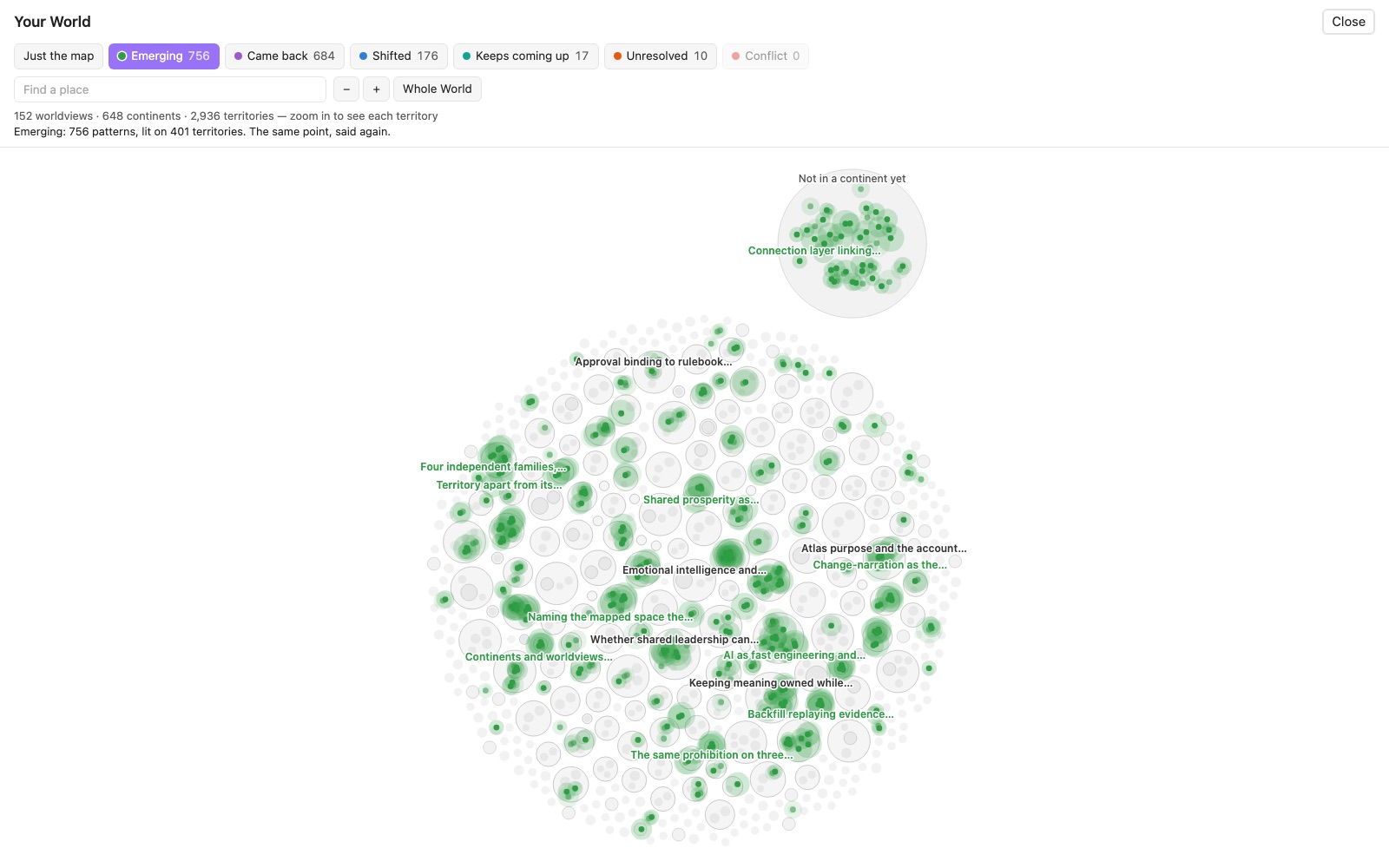
The World map
Worldviews, continents and territories, with patterns lit.
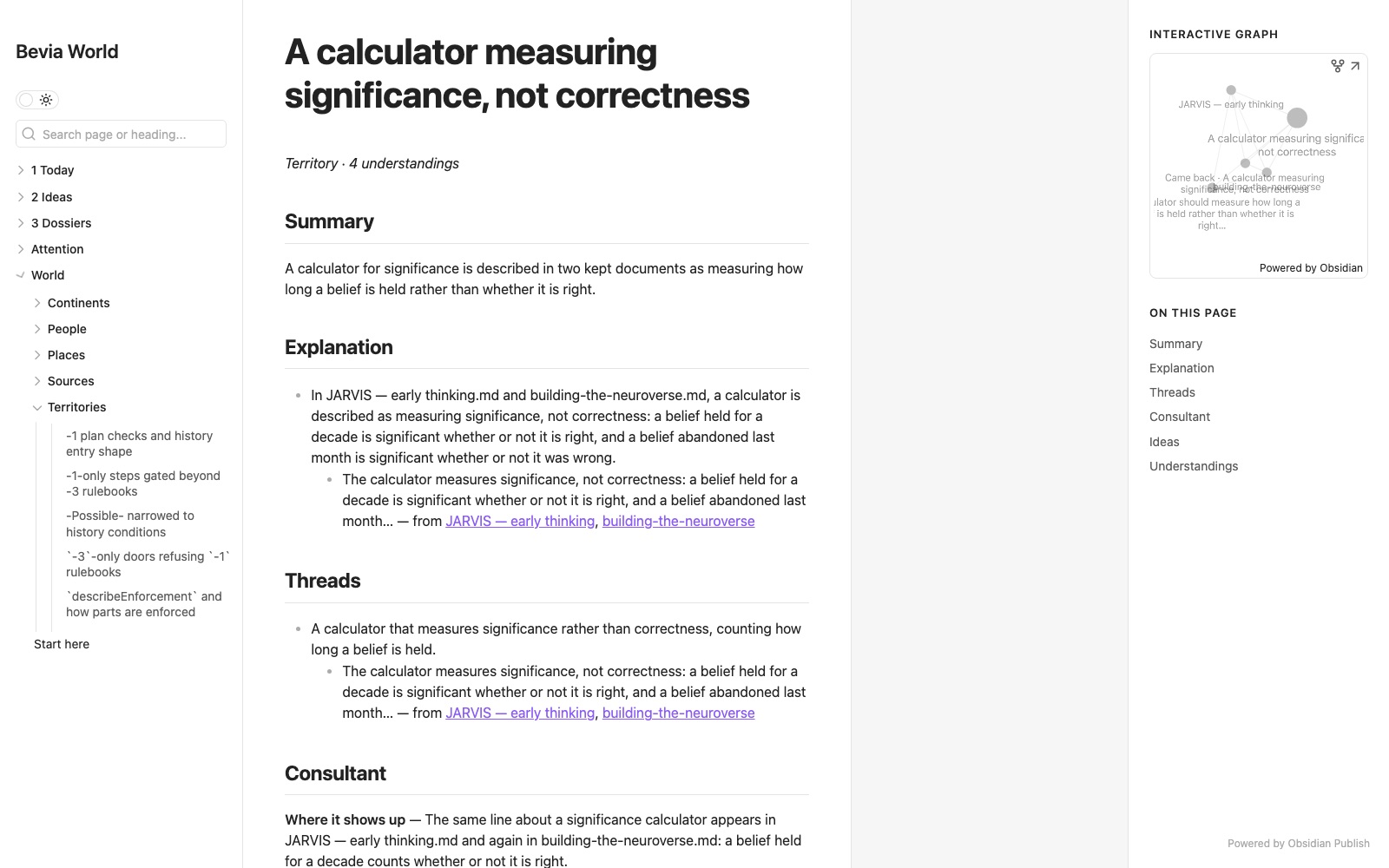
One area
What one area means, and where it came from.
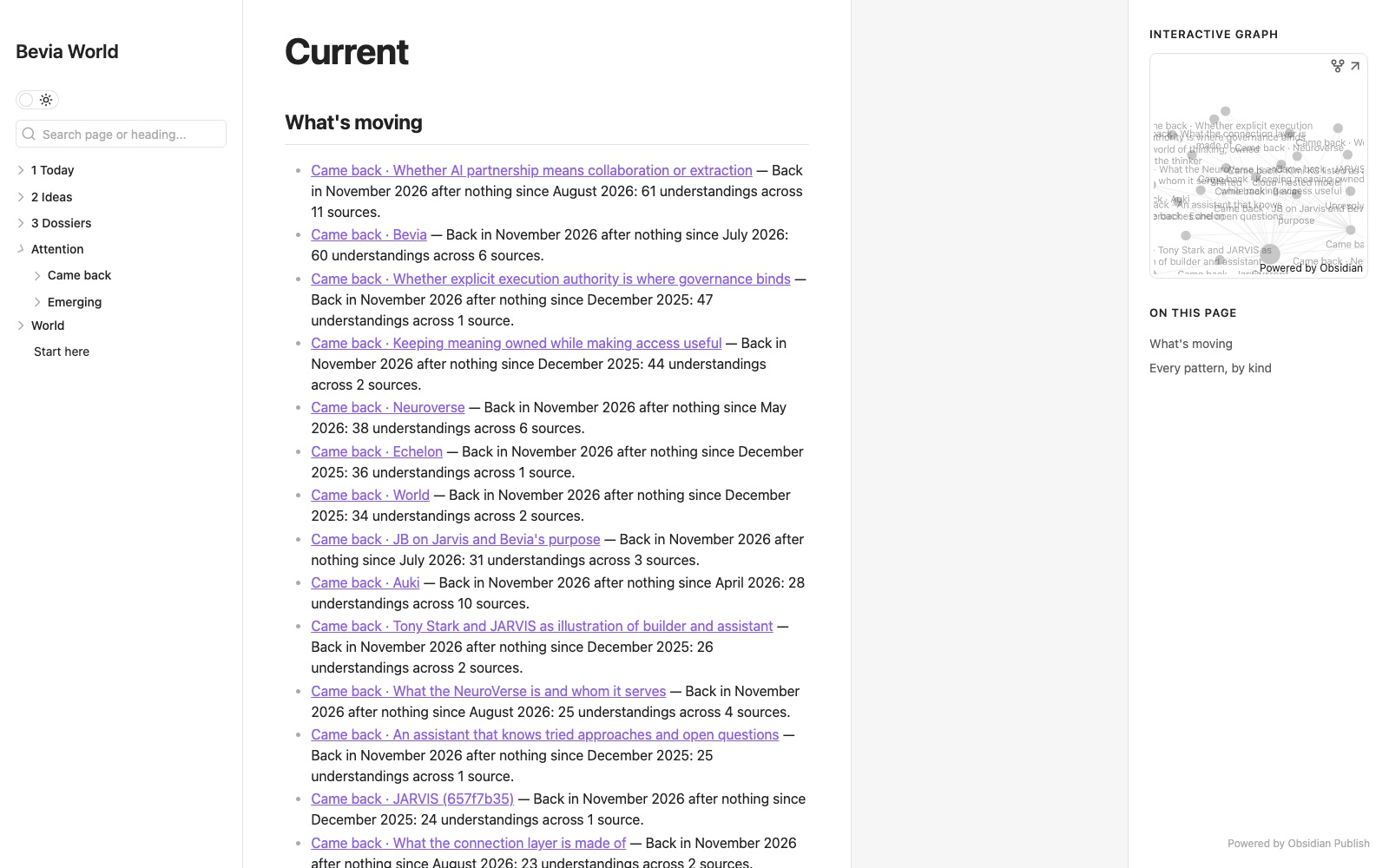
What's moving
What changed, what came back, what is still open.
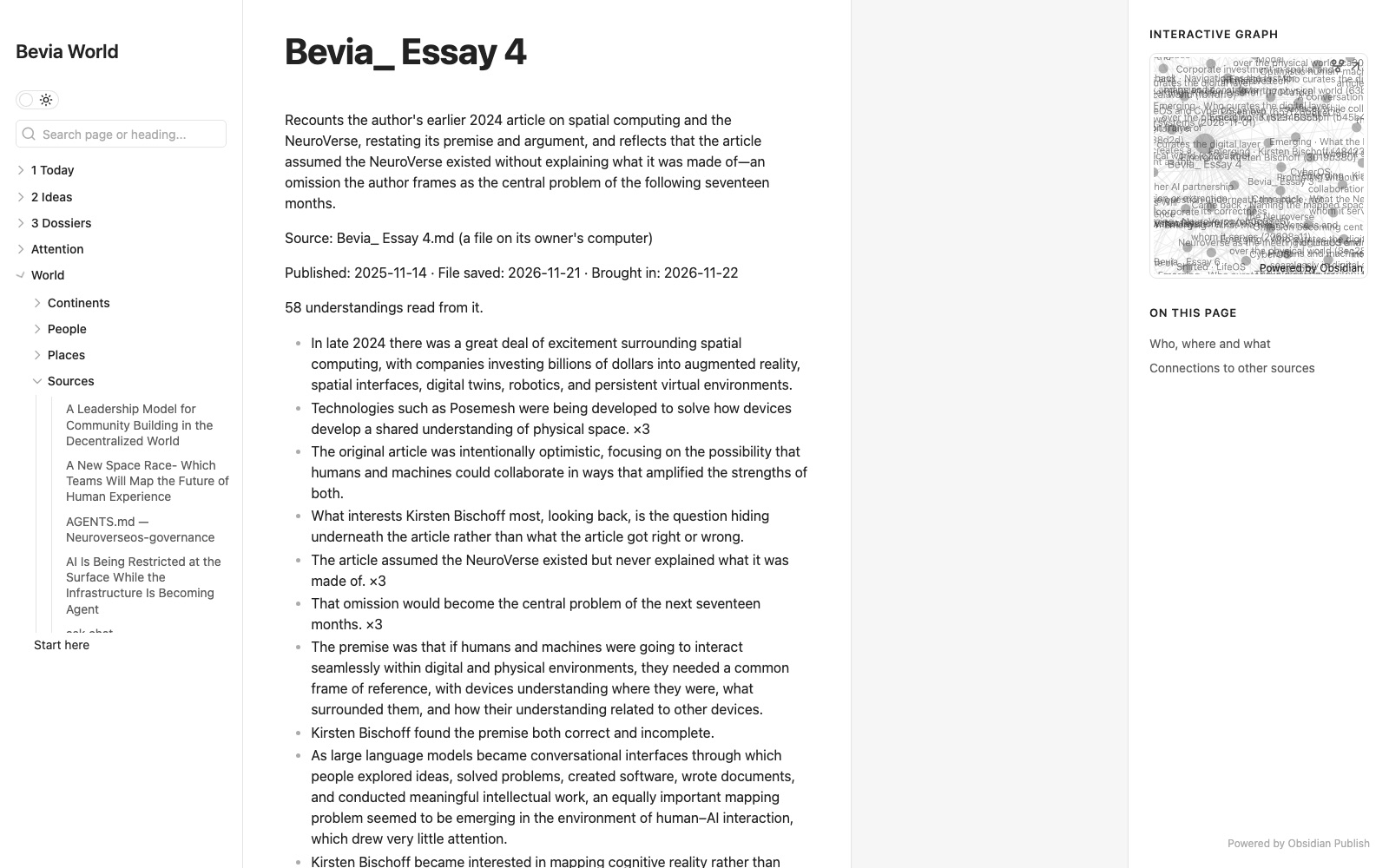
One source
Its summary, its dates and what was read from it.
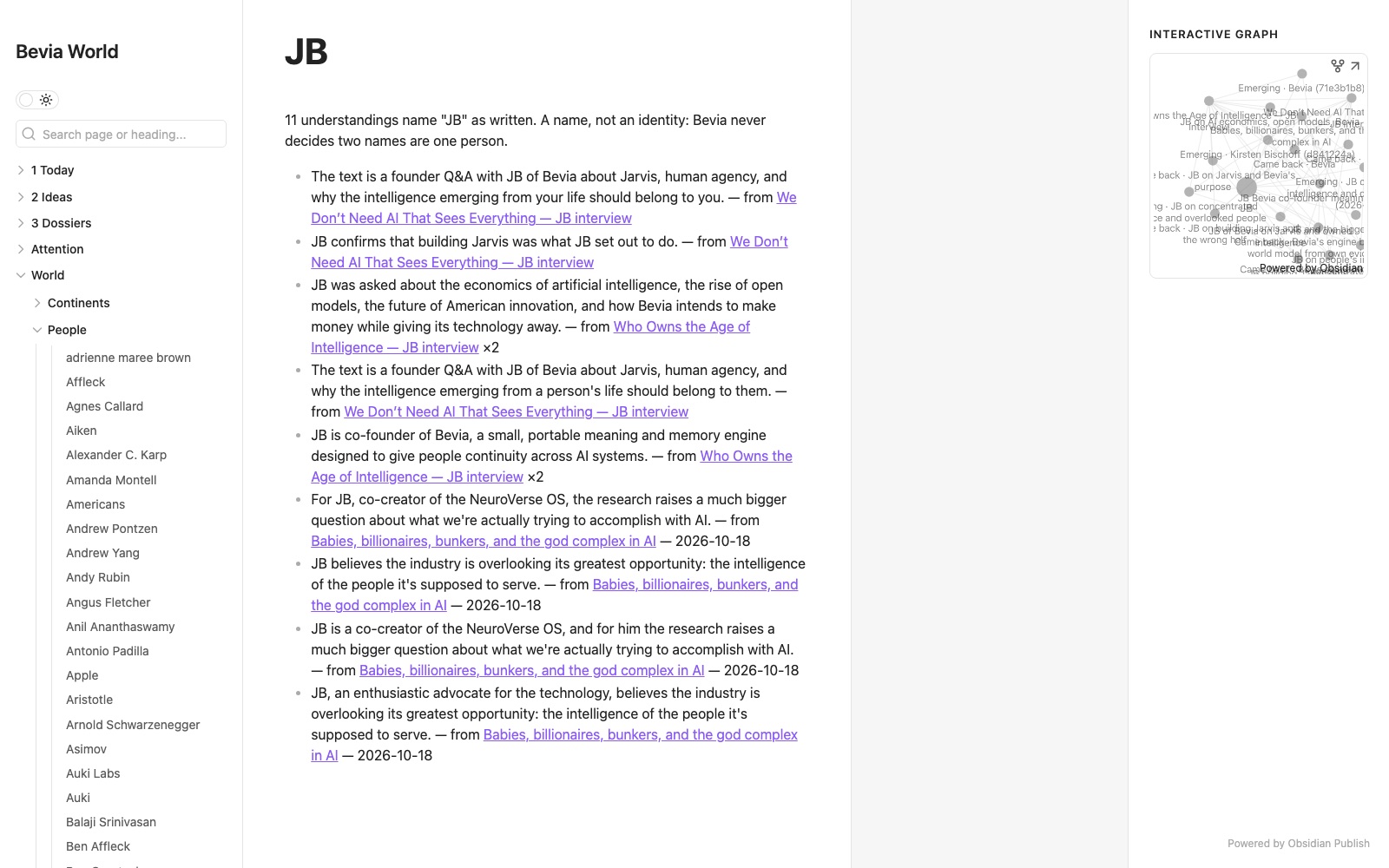
People and places
Who and where the World names, each with its sources.
- 01Only what you share
Bevia reads the files, folders and chats you give it. Nothing else on your computer.
- 02Runs on your computer
With an AI on your computer, your words never leave it. With your own AI key, they go only to the AI you chose.
- 03Keeps meaning, not copies
Once Bevia has read something, it keeps what it means and a link back to the source.
- 04We never see your words
Bevia sends us a daily count of how it's used, never your words. Your World is free to take with you.
Coming soon · $10 a month
A larger local World, with a history you can explore.
Bevia is free, and it stays free: one person's World, everything in the app, and your World yours to take out at any time. For people who want more, a $10 a month version is on the way. Everything still stays on your computer.
A larger World.
Your World kept in a full database on your own computer, for Worlds that outgrow the built-in one.
See how your thinking changed.
Every day's map kept for as long as you choose, so you can go back to any day.
What Bevia learned, in your hands.
Open it in Obsidian, or point your own dashboards and tools straight at it.
Make what only you can make.
AI shouldn't flatten everyone into the same answers. Bevia gives yours an honest picture of how you think, a thinking partner the way a calculator is for math, so you can build what nobody else could.
Free for Mac and Windows. Bring your own AI: one on your computer, or your own AI key. An AI service may charge you.
Coming soon: a $10 a month version with a larger local World and a history you can explore.
Mac with an Intel chipWindows is a beta, pending Microsoft certification. Until it's certified, Windows asks for one extra permission the first time: when it says it protected your PC, choose More info, then Run anyway. If something breaks, tell us in Bevia's Settings: This computer, then What you send us.